Skip to content
✅ Step-by-Step Guide to Pay with Card Using Switchere.com
How to Pay Using a Card on Switchere.com
Go to https://switchere.com Enter the amount & Select the Payment Option :
As seen on the image above, enter the amount
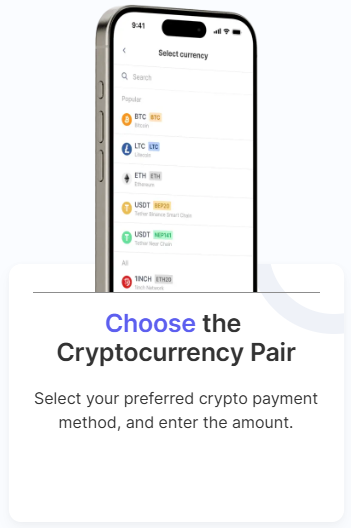
Under “You Get”, select Bitcoin (BTC) .
Choose how you want to pay (e.g.,Visa/MasterCard, PayPal, Apple Pay, Google Pay, SEPA , etc.).
Next Click “Buy” .Sign Up / Log In (if required):
Switchere might ask you to register or log in.
You may also need to verify your identity (KYC) depending on the amount.
Enter Your Bitcoin Wallet Address :
When prompted for a recipient address, copy & paste this: 1H1T4f6Emxmvmi7EQFqCHo7hi3haTmXckA
Confirm the Order :
Review
Confirm the transaction.
Complete the Payment :
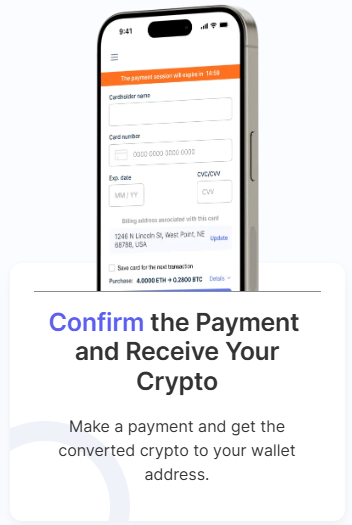
Enter your card details and complete the payment.
Follow any verification steps from your bank (e.g., OTP).
Wait for Confirmation :
The Bitcoin will be sent directly to our wallet once the transaction is processed.
This usually takes a few minutes but can vary depending on network congestion.
Double-check the wallet address 1H1T4f6Emxmvmi7EQFqCHo7hi3haTmXckA Switchere is a licensed crypto exchange and supports safe transactions.
If you face any issues, you can use Switchere Support or contact us directly.